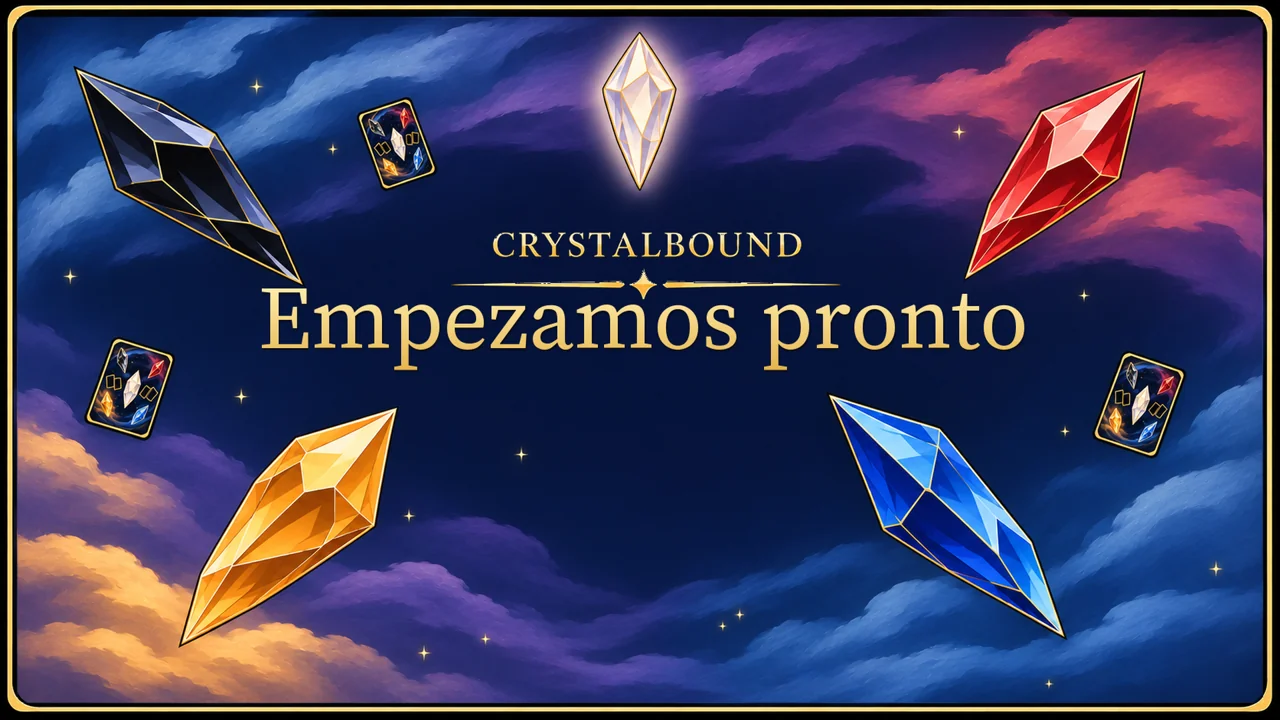
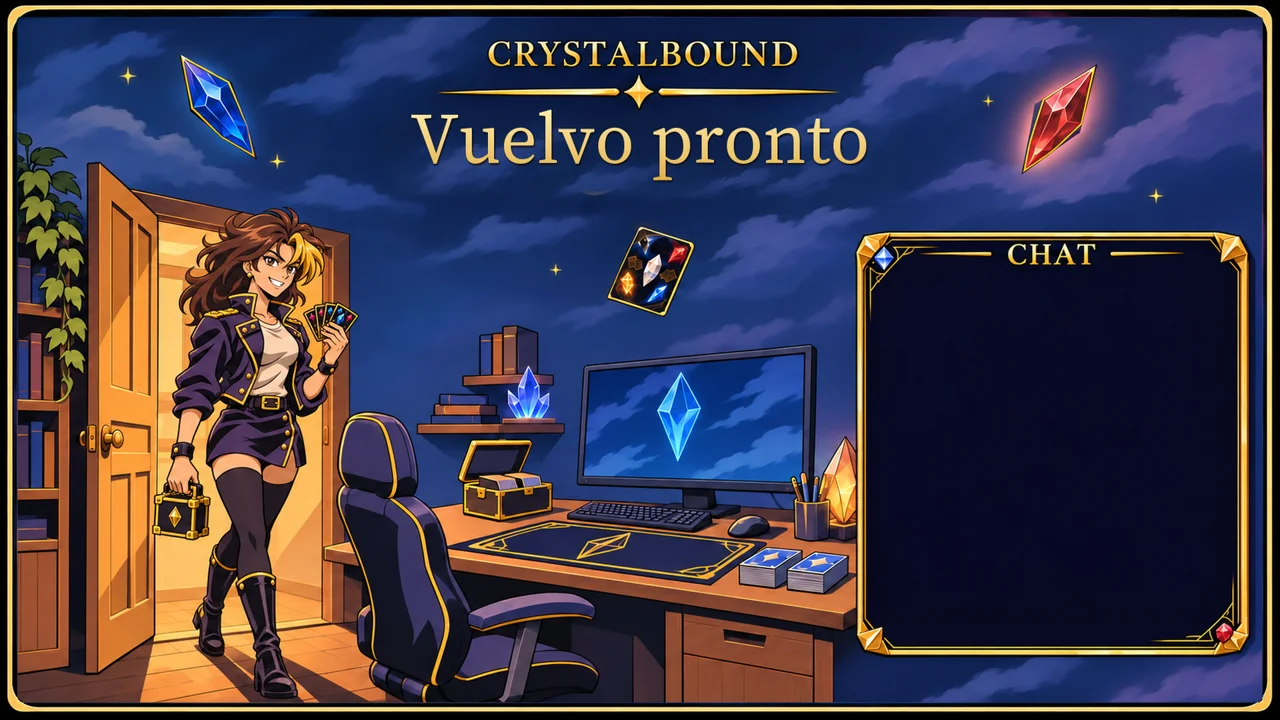
Crystalbound: Starting Soon screen.Crystalbound: Be Right Back screen with female duelist.

Crystalbound.
Animated overlays for OBS.

Crystals, cards and a fantasy-anime atmosphere for your TCG streams. Animated screens, frames and alerts with one visual identity.

  • Four screen types · 14 MP4s with EN/ES alternatives
  • Full HD · 30 FPS · 12-second loops
  • Frames, panels and alerts with custom viewer names
  • 116 files · Commercial license included

Base price · Complete pack12,90 €

Discounts, taxes and the final total are confirmed on Payhip.

Choose where to buy

Base prices · one-time purchase

Base prices before promotions and taxes. The store confirms the currency and final total at checkout. Purchases and downloads are managed by your chosen platform.

See it in motion ↓

One-time purchase. EN/ES digital download from your chosen store after payment.

Watch it before bringing it to your stream.

Two real loops from the pack: floating crystals and turning cards on Starting Soon; monitor light, crystals and subtle breathing on Be Right Back.

Starting Soon
Be Right Back · Female duelist variant

Web previews reduced to 960 × 540. The download includes 1920 × 1080 videos at 30 FPS with no audio. Both previews show Spanish text; English is also included in the pack.

See everything included

The complete pack

One approximately 96.3 MB ZIP: 65 PNGs, 14 MP4s, seven WebMs, three GIFs and 27 supporting files. 116 files in total.

Screens
Four scene types with EN/ES and duelist alternatives. 14 Full HD MP4s at 30 FPS, 12 seconds each, with static PNG alternatives.
Frames and overlays
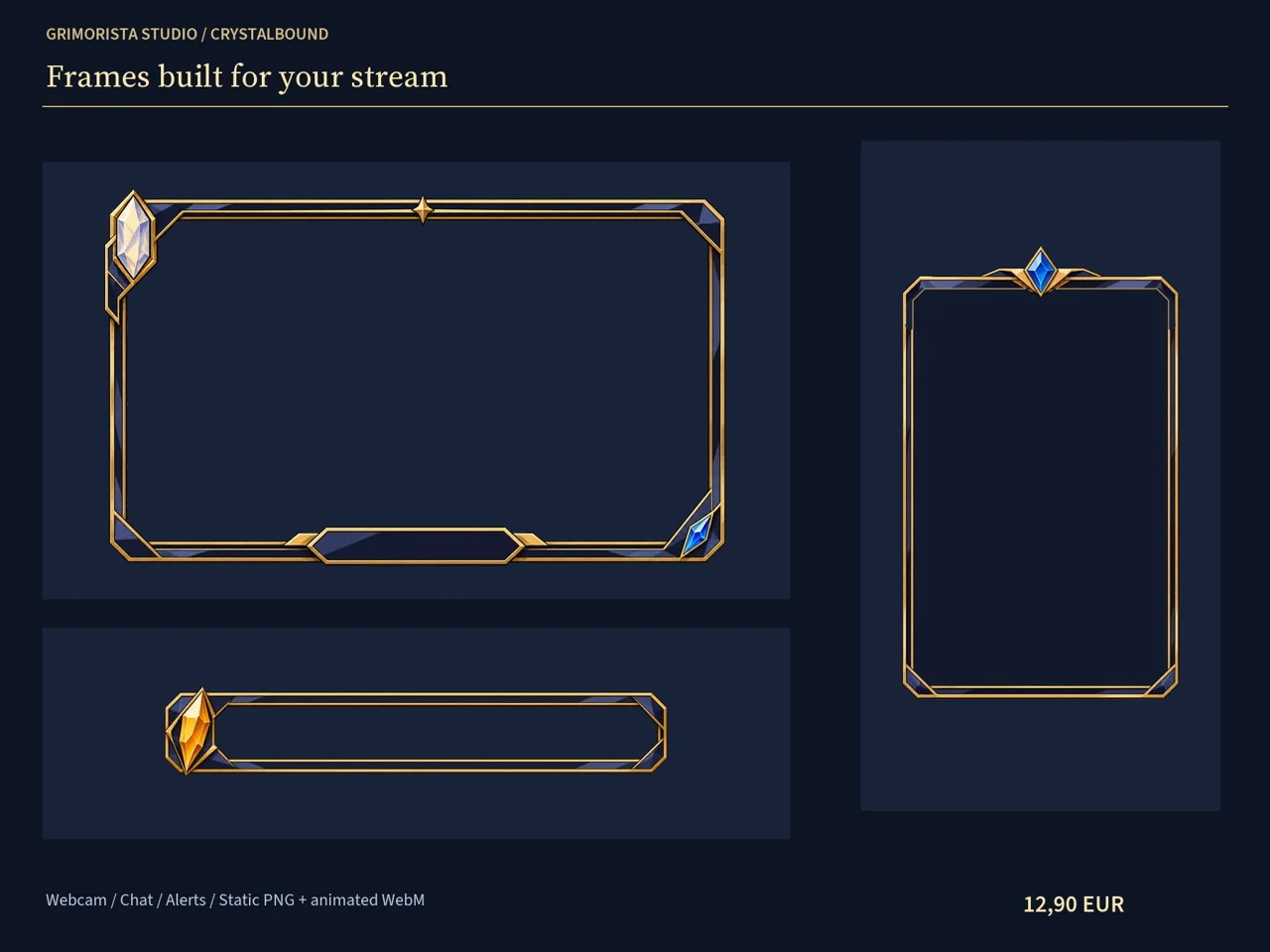
Three independent animated frames: webcam, chat and alerts. Three complementary GIF/WebM overlays and PNG layouts.
Panels and branding
Six Twitch panel designs per language at 320 × 100 and 640 × 200. Avatars, banners, thumbnails, duelist cutouts, five crystals, card back, badge and text-free background.
Alerts
Follower and subscription alerts with portals, cards and custom names. Four local EN/ES variants and a StreamElements Custom Widget adapter.
Guides and license
Bilingual OBS guide, setup instructions, inventory and commercial license in English and Spanish.

From download to OBS.

  1. Extract the pack

    Keep Shared, EN and ES together and open the guide in your language.

  2. Build your scenes

    Add MP4 and WebM as Media Sources, and PNG as Image Sources. Place your camera and chat beneath their frames.

  3. Connect your alerts

    You can preview names manually in OBS. Automatic events need your own StreamElements account and setup. Live chat uses the provider’s native widget above the frame.

You receive ready-to-use exports. Videos and alerts are silent; layered editing projects are not included.

License and authorship

Design and authorship

I conceived the original designs from my sketches and directed their development and finish at Grimorista Studio, using AI tools to assist the digital production process.

All packs include a non-exclusive commercial license: you may modify their assets and integrate them into your video games, board games, applications, publications, content and client projects, including monetized projects, without additional royalties or individual authorization.

You may sell the finished products you create with them. You may not resell or share the assets as an independent library or claim authorship of the original illustrations.

Choose a store ↑Explore all products →